One Discord bot instead of five
VorqulBOT was born from a practical frustration: gluing together one bot for moderation, another for levels, a third for tickets. This one does all of it - self-hosted, modular, no paywall on the basics.
- Discord bot
- TypeScript
- discord.js 14
- Self-hosted
- 9 languages
VorqulBOT (Vorqul DS BOT) is a modular all-in-one Discord bot written in TypeScript on discord.js 14. Version 3.0 is a rebuild of a project I wrote years ago and brought back: 82 slash commands with roughly 180 subcommands, 44 toggleable modules in 6 groups, 9 languages. It runs on your own Linux server or VPS, or on Pterodactyl with the included egg, and stores data in JSON files or MySQL/MariaDB. An optional Next.js dashboard configures every server the bot is on from a single login, and the Server Health Score turns activity, retention and onboarding into one number. Releases are downloadable from GitHub.
- Type
- Discord bot
- Version
- 3.0
- Language
- TypeScript
- Library
- discord.js 14
- Runtime
- Node.js 18+, 22 LTS recommended
- Deployment
- Linux server, VPS or Pterodactyl
- Commands
- 82 slash commands
- Modules
- 44 toggleable
- Interface languages
- 9
- Launchers
- Node, Python, Pterodactyl egg
- Dashboard
- Next.js, multi-server, optional
- Storage
- JSON files, MySQL/MariaDB
- Price
- Free
An old project, brought back
This bot is not new. I wrote the first version years ago for my own gaming communities, then let it rot the way side projects do - broken dependencies, a dashboard that no longer built, half the commands failing silently.
In 2026 I went back, tore out what was dead, rewrote the rest in TypeScript on discord.js 14, and put a proper Next.js dashboard on top. Version 3.0 is that rebuild: 82 slash commands, 44 toggleable modules and nine languages, all of it working.
What it looks like
Two screenshots from a live instance - the landing page and one of the configuration screens.
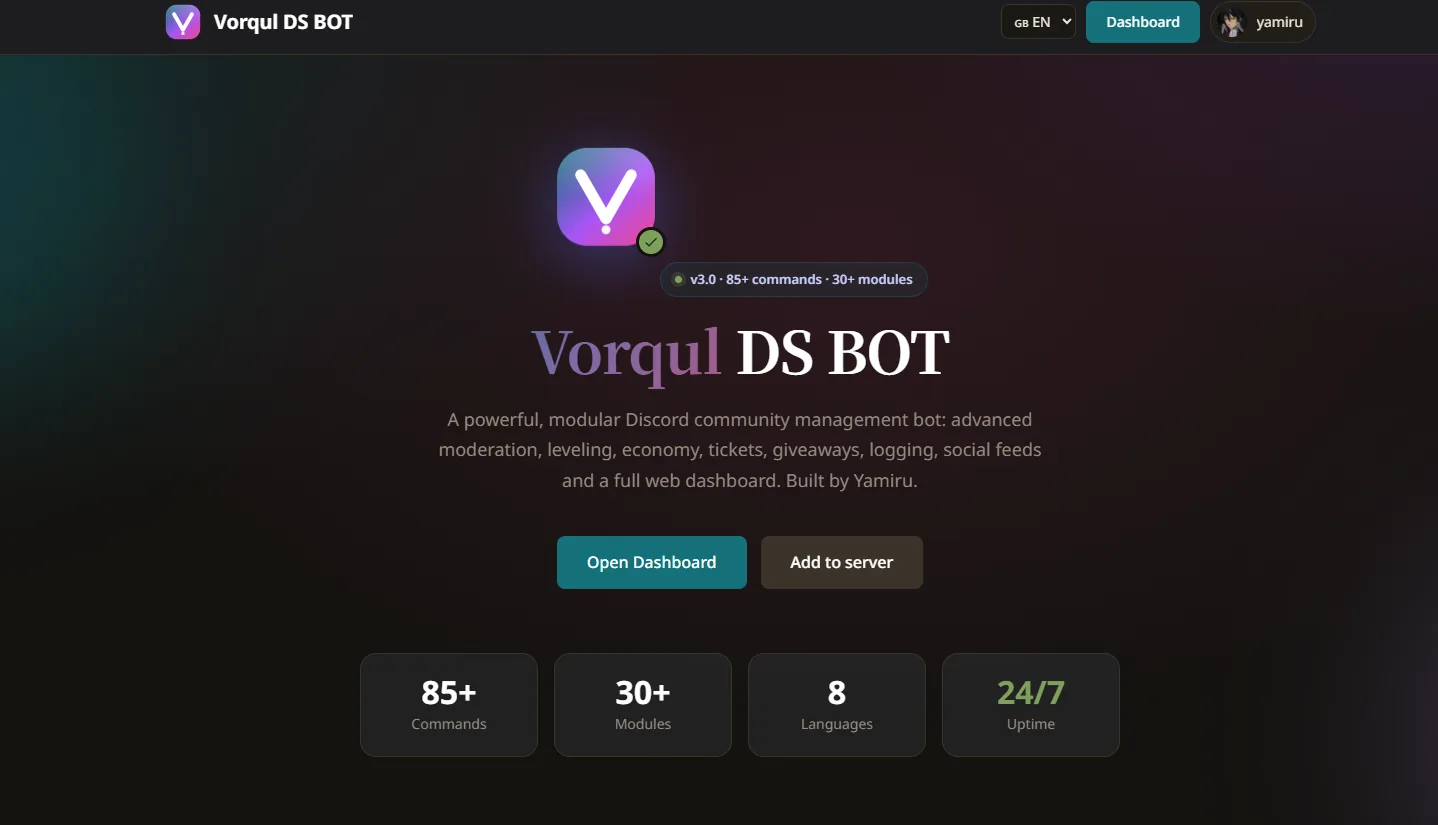
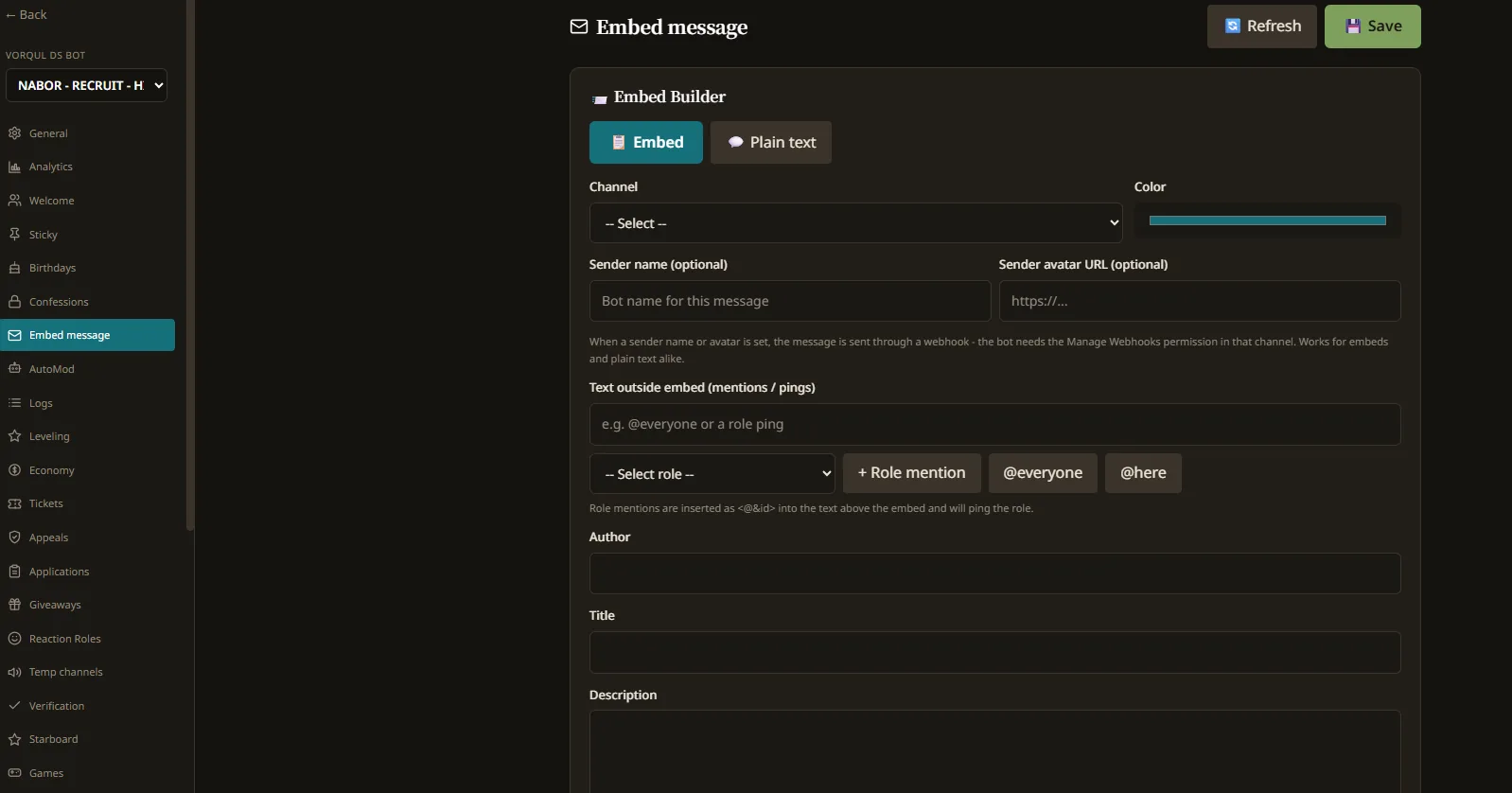
Where it runs
It runs on your machine, not on somebody else's service. Two ways to do that, and both are boring on purpose.
Linux server or VPS
Clone it, copy .env.example to .env, fill in the token, run npm start. Node.js 18 or newer, 22 LTS recommended. A systemd unit keeps it up.
Pterodactyl
Import the included egg, upload the files over SFTP, put your token in the Startup variables and press start. The first boot installs dependencies and compiles on its own. Node or Python launcher, whichever your egg uses.
Your choice of storage
JSON files need no setup at all and are the default; MySQL or MariaDB for a big server. Change one line in .env.
Download and run it
Releases are published on GitHub. Grab the latest one, follow INSTALL.md, and you have your own instance running in about ten minutes. Free to run on your own infrastructure; you may not resell it or host it for other people.
Server Health Score
Most bots show you statistics. This one tells you what they mean. The Server Health Score condenses activity, retention and newcomer onboarding into one number - so you know if your community is growing, flatlining or quietly bleeding out, before it becomes obvious the hard way.
How the score worksEach component has its own 0-100 score, higher is better. Weights: activity 25%, retention 25%, engagement 20%, growth 15%, low toxicity 15%.
What it does
Grouped by what they do, not by a marketing count. Open a category to see the modules inside it.
Reference
Every module name above is the key the bot and the dashboard both read. The terms behind them are defined once in the glossary, and the questions about price, requirements and limits are answered on a single page.
Written up properly, one topic at a time
VorqulBOT
Moderation
VorqulBOT moderation: 33 commands covering ban, kick, warn, timeout, jail, shadow-mute, voice mute and timed roles, with numbered case history, warning escalation, an altcheck heuristic, appeals and full logging. Self-hosted, TypeScript.
VorqulBOT
AutoMod
VorqulBOT AutoMod runs 15 filters: spam, links, invites, caps, mentions, repeats, emoji, spoilers, zalgo, phishing, fake nitro, crypto scams, ghost pings, mass mentions and custom regex, with role and channel exemptions and an escalation ladder.
VorqulBOT
Anti-Raid
VorqulBOT counts joins per interval and reacts with a lockdown, kick or ban, gates accounts under a minimum age, and limits how many channels, roles, bans, kicks or webhooks any account can touch in a window.
VorqulBOT
Server Health Score
The VorqulBOT Server Health Score weighs activity, retention, engagement, growth and toxicity from the last seven days into a single 0-100 number, so community managers can see whether a Discord server is growing or quietly declining.
VorqulBOT
Tickets
VorqulBOT ticket system: a panel with a button that opens a private channel, claim, reopen and close controls, plain-text transcripts posted to a channel you choose, and a separate application flow with accept and deny commands. Self-hosted, no external service.
VorqulBOT
Leveling
VorqulBOT leveling: random XP per message with a cooldown, optional voice XP per minute, a server-wide multiplier, no-XP channels and roles, reward roles that stack or replace, and /rank and /leaderboard. Self-hosted with your own data.
VorqulBOT
Economy
VorqulBOT economy: a server currency with wallet and bank, daily streaks, work, pay, a shop, a player marketplace, casino games with bet limits, lootboxes, spins, robbery and group heists - all under /economy, all configurable.
VorqulBOT
Plugins
VorqulBOT plugins are drop-in folders with a manifest.json and a JavaScript entry point that default-exports a plugin object. They bring their own slash commands and events and need no changes to the bot core.
Optional dashboard
A web dashboard with Discord login, where you pick a server from a dropdown and configure it. One dashboard handles all the servers you have the bot on - switch between them without logging out. Toggle modules, set up AutoMod, design welcome cards with a live preview, build embeds, read analytics and the audit log, manage API keys and backups. It is optional; everything can also be done from Discord. Interface in nine languages.
- Discord OAuth2 login
- Server selector
- Module management
- AutoMod configuration
- Welcome card builder
- Embed builder
- Analytics
- Audit log
- API keys
- Backups
Why this one
All-in-one, self-hosted
No monthly fees to third parties, no paywall, full control over your data.
Truly modular
One shared module registry drives both bot and dashboard - a toggle in the UI cannot exist without the bot honoring it. Turn off anything your server does not need.
Plugin system
Drop-in plugins with their own commands and events, hot-loadable, no core changes. A manifest.json and an index.js is all it takes.
Flexible storage
JSON for zero setup, MySQL/MariaDB for large deployments.
Easy deployment
Pterodactyl egg with auto-install on first boot, classic npm on a VPS, or the Python launcher.
Backwards compatible
Old text commands like !daily still work through the prefix bridge, alongside slash commands.